

 Feeling overwhelmed by the sheer number of streaming choices? You are not alone. While there is no single streaming app that provides every live sport, TV show, and movie in one place, the beauty of cord-cutting is flexibility. By combining just two or three providers, you can easily watch your favorite TV shows & movies whenever you want.
Before we dive into filtering through your choices, it helps to understand the vocabulary. Let’s start with a few basic definitions so you know exactly what you are looking at:
Guide to TV & Movie App Terminology
- Channel Apps: Think of these like a standalone restaurant within a shopping mall. Channel Apps are applications built by specific television networks to serve only their own specific “menu” of shows. Some require you to log in with a paid TV provider, while others let you sample a few episodes for free.
- Examples: The ABC app, the NBC app, the ESPN app, or the Hallmark app. (You can find them in your device’s App store.)
- Streaming Services (Content Providers) vs. Channel Apps: If a Channel App is a single, standalone restaurant in the mall, a Streaming Service is the massive mall food court! Streaming Services aggregate thousands of movies and shows from many different studios and networks into one central location.
- Examples: Netflix, Disney+ and Amazon Prime Video. You will also see “FAST” services (Free Ad-Supported Streaming TV) that give you a huge library for zero dollars, like Pluto TV, Tubi, Plex or The Roku Channel.
- OTA TV (Over-the-Air): This is traditional television, but it is not the fuzzy rabbit-ear reception of the 1990s. This is free, live, local television broadcast by your local stations directly to a modern antenna in uncompressed High Definition.
- Examples: Watching your local evening news on the NBC affiliate, or catching a Sunday football game on the local Fox station for free. (Keep an eye out for ATSC 3.0 or “NextGen TV,” which is the newest standard allowing for 4K broadcasts in certain cities).
- Live TV Streaming Services (vMVPDs): This is exactly like having a traditional cable box, but the signal comes through your internet connection instead of a coaxial wire in the wall. You get a traditional guide, and you watch shows as they air live.
- Examples: YouTube TV, Hulu + Live TV, Sling TV, Fubo, and DirecTV.
- VOD (Video on Demand): This is the ultimate digital library. The content is pre-recorded, and you press play whenever you want. You never have to worry about what time a show airs.
- Examples: Firing up Netflix on a Tuesday night to binge Stranger Things (Subscription VOD), or watching an older movie for free with a few commercial breaks on The Roku Channel (Ad-Supported VOD).
- Live TV with VOD: Today, the lines are blurred. Almost all major Live TV services now include a massive VOD library of the networks they carry.
- Examples: If you subscribe to YouTube TV to watch live sports, you can also use their VOD library to watch yesterday’s episode of The Voice whenever you are ready.
- Device OS (Operating System): This is the invisible engine running your streaming hardware or your Smart TV. Just like an iPhone runs iOS and a Samsung phone runs Android, your TV runs an OS. This is crucial because an app that exists on one OS might not exist on another.
- Examples: Roku OS (found on Roku sticks and Roku TVs), Amazon Fire OS, Apple’s tvOS, Google TV, LG’s webOS, and Samsung’s Tizen.
- DVR (Digital Video Recorder): The modern VCR. It lets you record a live broadcast to watch later. Cord-cutters use two main types.
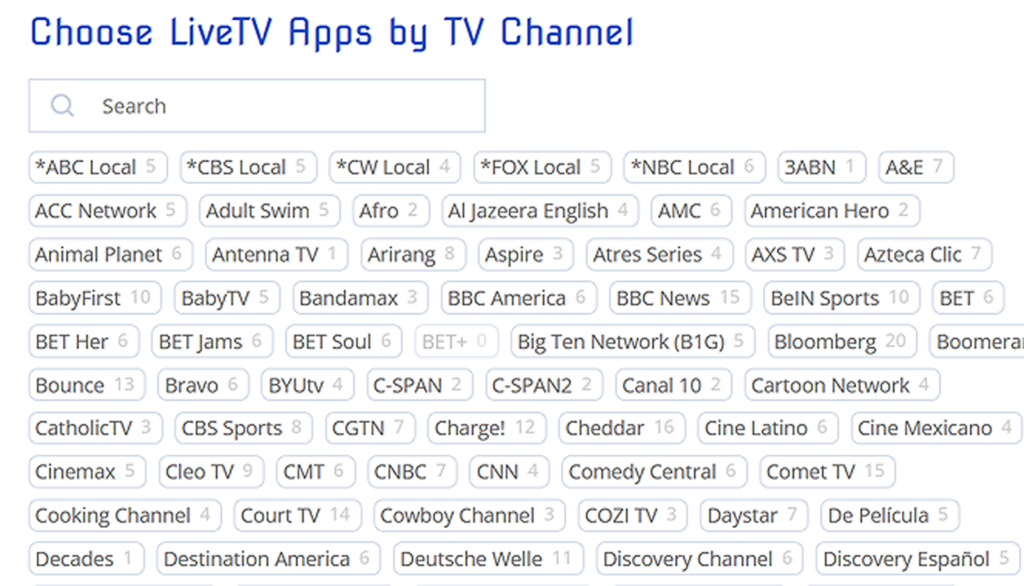 Find My Apps Using Filters
“Whoa Partner! Too many choices! How do I sort through all the 3,000+ Live TV and Video On Demand (VOD) Channel Apps? And which Streaming Device do I buy?“
There are just too many variables to give you only a couple of end results. BUT, by exploring some of the Channel App filters, we can help you narrow them down!
The links below will open to new pages:
Best Soundbars
When you purchase through links on our site, we may earn an affiliate commission with no additional cost to you.
-
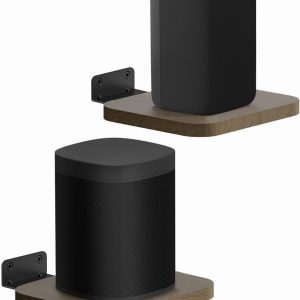
Pair of Rear Speaker Shelves for Wall Mounts – 5.3″ x 5.9″ Adjustable Floating Wall Bracket for Most Small Speaker Mounting Holds Up to 10Lbs
$15.29 -
Sale!
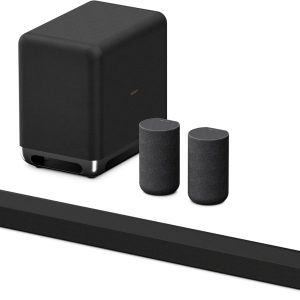
Sony BRAVIA Theater Bar 9 Sound Bar, SA-SW5 Wireless Subwoofer, and SA-RS5 Wireless Rear Speakers with Built-in Battery
Original price was: $2,999.97.$905.97Current price is: $905.97. -
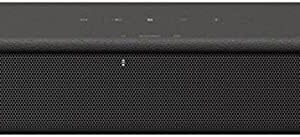
Sony HT-S100F 2.0ch Soundbar with Bass Reflex Speaker, Integrated Tweeter and Bluetooth, HTS100F
$98.00 -

Sonos Beam Gen 2 Soundbar with Dolby Atmos
$484.99 -

Sonos Arc Ultra 9.1.4 Soundbar with Dolby Atmos and Voice Control
$1,099.00 -

Sonos Sub Mini Compact Wireless Subwoofer
$499.00 -
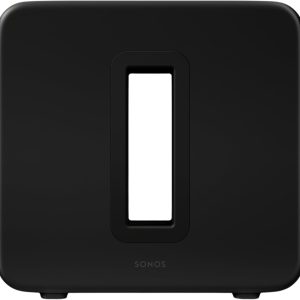
Sonos Sub 4 – Wireless Subwoofer
$869.00 -
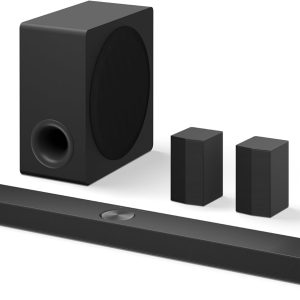
LG S90TR 7.1.3-Soundbar, for OLED Evo TV, with Rear Speakers and Wireless Subwoofer, Dolby Atmos
$657.11 -

Samsung Soundbar HW-Q600C 3.1.2ch w/Dolby Audio, Bluetooth
$427.95 -

Samsung Q-Series Soundbar HW-QS700F 3.1.2 ch Subwoofer Wireless Dolby Atmos
$597.99 -

Samsung Q-Series Soundbar HW-Q800F 5.1.2ch Soundbar + Subwoofer, Wireless Dolby Atmos
$537.99 -

Samsung Q-Series Soundbar Q990F 11.1.4ch + Subwoofer + Rear Speaker, Wireless Dolby Atmos
$1,099.00