
 If you are new to cord-cutting and feeling a little overwhelmed by all the choices, you are in exactly the right place. Choosing how to watch your favorite shows doesn’t have to be stressful.
When you start shopping for a streaming player or TV, you aren’t just picking a piece of plastic to plugin. You are choosing its Operating System.
Table of Contents
- Wait, What is a Streaming Operating System?
- 1. The Easiest Choices for Beginners (Plug & Play)
- Roku OS
- Apple tvOS
- 2. The Smart & Organized Helpers
- Android TV / Google TV OS
- Amazon Fire OS
- 3. Built-in Smart TVs (The “One Remote” Option)
- LG webOS
- Samsung Tizen OS
- 4. For Advanced Users
- PlayStation / Xbox OS
- Windows / Mac Computers
- Open Android Boxes
- Ready to Find Your Perfect Setup?
Wait, What is a Streaming Operating System?
Think of your TV or streaming stick as a car, and the Operating System (OS) as the dashboard and steering wheel. The OS is what you will interact with every single day. It holds your channel apps, powers your voice search, and decides how easy it is to “drive” your television.
To help you find the easiest smart TV to use, we have ranked the major streaming device operating systems for beginners, starting with the absolute easiest plug-and-play options.
- The Easiest Choices for Beginners (Plug & Play)
If you want to plug a device in, grab the remote, and start watching with zero technical headaches, these two systems are the best in the business.
Roku OS
Roku has long been the champion of simplicity. While recent updates have added new recommendation rows and menus that can feel a little cluttered out of the box, Roku is still incredibly beginner-friendly because it allows you to turn off almost all of that extra stuff!
- Ease of Use: High (With a quick 2-minute cleanup). When you first plug it in, you will see new features like “Top Picks for You” and a “Quick Access” row. But by simply going into your settings, you can hide these features and return to Roku’s classic, impossible-to-get-lost grid of your favorite apps.
- The Best Part: Roku search is completely unbiased. If you search for a movie, it will show you the cheapest place to watch it, rather than pushing you toward a specific paid service.
- The Downside: You now have to spend a minute or two in the settings menu turning off the new recommendation rows to get that perfectly simple, classic feel. There is also a big Ad on the screen that can’t be removed. Here’s a great article from Jared Newman at PC World for removing any new features: Roku’s New Home Screen.
Apple tvOS
If you already use an iPhone or an iPad, Apple’s streaming system will feel like second nature. It is the most premium, polished option available.
- Ease of Use: Very High. The menus are lightning-fast, beautiful, and completely free of annoying home-screen advertisements.
- The Best Part: Total privacy and a clean screen. Plus, if you lose the remote, you can just use your iPhone to control the TV.
- The Downside: The Apple TV 4K hardware is significantly more expensive than basic streaming sticks.
- The Smart & Organized Helpers
These systems are great if you want your TV to act a little smarter, helping you discover new shows or acting as a hub for your digital life.
Android TV / Google TV OS
If you hate opening five different apps to find something to watch, Google TV solves that problem by organizing everything for you.
- Ease of Use: High. The home screen gathers shows from all your different subscriptions and puts them in one place.
- The Best Part: It comes with Google Assistant. You can press the microphone button and say, “Play romantic comedies,” and it will find them instantly.
- The Downside: The home screen can feel a little busy because it is constantly suggesting new things to watch.
Amazon Fire OS
Fire TV is built entirely around Amazon’s ecosystem. It is a highly capable system, provided you don’t mind seeing a lot of Amazon content.
- Ease of Use: Moderate. The menus can be cluttered, but having Alexa built directly into the remote helps you bypass the confusion using your voice.
- The Best Part: You can use it to control your smart home—like asking Alexa to show your front door security camera right on the TV screen.
- The Downside: It is heavily packed with advertisements and prioritizes Amazon Prime Video above other channels.
- Built-in Smart TVs (The “One Remote” Option)
If you are buying a brand-new television and don’t want to deal with plugging in extra devices or juggling multiple remotes, you will likely use the TV’s built-in system.
- LG webOS: Used exclusively on LG TVs. It features a fun “Magic Remote” that acts like a wireless computer mouse on your screen. It is fast and sleek, though it does feature home-screen ads.
- Samsung Tizen OS: Used on Samsung TVs. It is packed with features and includes Samsung TV Plus—a massive, built-in directory of free, live channels.
A Quick Warning on Smart TVs: While convenient today, built-in TV software often slows down after a few years. If that happens, you don’t need a new TV! You can always plug a cheap Roku or Fire Stick into the back to make it fast again.
- For Advanced Users (Good to Know!)
While you are shopping, you might hear about a few other systems. Unless you are a tech enthusiast or an active gamer, you can safely skip these:
- PlayStation / Xbox OS: Great for teenagers and gamers who want to combine a high-end video game console with a media player, but the standard video game controller makes for a clunky TV remote.
- Windows / Mac Computers: Some people hook a full desktop computer to their TV. It offers total freedom but requires a wireless keyboard and mouse on your couch.
- Open Android Boxes: Unlocked boxes designed for advanced “tinkerers” who want to build custom home media servers. Very complicated for everyday viewing.
Ready to Find Your Perfect Setup?
Take the stress out of choosing! We have built simple, interactive tools to do the heavy lifting for you.
Not sure which device has your must-have channels? Make sure you get it right the first time by checking exactly which operating systems carry the channels you love. Find Your Match with Our Streaming Devices by Apps Filter.
Still feeling a little overwhelmed by all the choices? We completely understand—picking the right streaming OS is a big decision for your daily entertainment. Jump into our quick quiz to get a personalized recommendation based on your exact viewing habits, favorite channels, and budget. It takes less than two minutes! Take the 2-Minute Easy Quiz!
Top Rated Streaming Devices
When you purchase through links on our site, we may earn an affiliate commission with no additional cost to you.
-
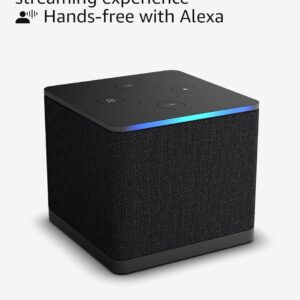
Amazon Fire TV Cube, Hands-free streaming device with Alexa, Wi-Fi 6E, 4K UHD
$109.99 -

Amazon Fire TV Stick 4K Select
$21.99 -
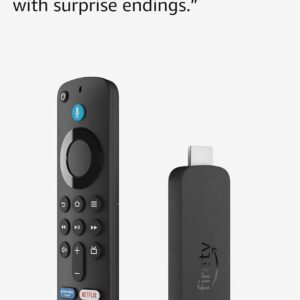
Amazon Fire TV Stick 4K Plus, Wi-Fi 6
$39.99 -

Google TV Streamer 4K – Fast Streaming with Voice Search Remote 4K HDR 32 GB – Porcelain
$149.00 -
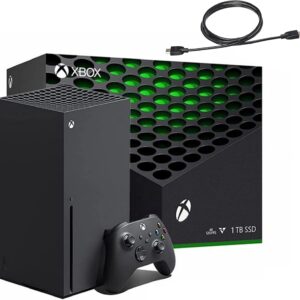
Xbox Series X 1TB Gaming Console Console + 1 Wireless Controller – True 4K Gaming
$744.99 -

Xbox Series S 512GB SSD All-Digital Gaming Console (disc Free) with 1 Wireless Controller – 10GB GDDR6, 8X Cores Custom Zen 2 CPU
$499.00 -
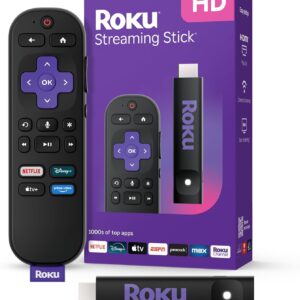
Roku Streaming Stick HD 2025 — HD Streaming Device Voice Remote
$38.89 -
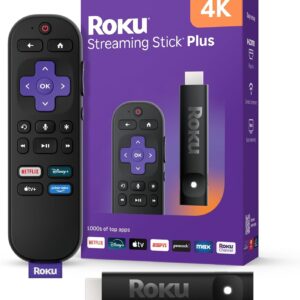
Roku Streaming Stick Plus 2025 – 4K HDR Roku Streaming Device Voice Remote
$52.47 -
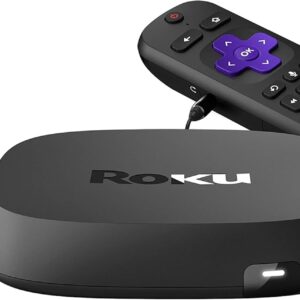
Roku Ultra | Streaming Device 4K/HDR/Dolby Vision Dolby Atmos, Bluetooth, and Roku Voice Remote with Headphone Jack
$104.99 -

NVIDIA Shield Android TV | 4K HDR Streaming Media Player, Dolby Vision, Google Assistant, Alexa (945-13430-2500-000)
$149.99 -
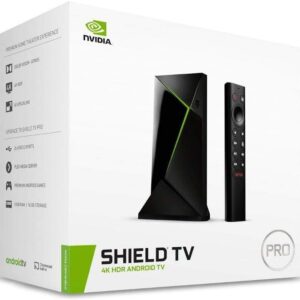
NVIDIA Shield Android TV Pro | 4K HDR Streaming Media Player, Dolby Vision, 3GB RAM, 2X USB, Alexa, Model:945-12897-2500-101
$224.99 -

Ugoos AM6B Plus TV Box Amlogic S922X-J Android 9.0 DDR4 4GB RAM 32GB ROM WiFi6 4K H.265 HDR TV Box
$252.99 -
Apple 2024 Mac mini Desktop Computer with M4 chip 10‑core GPU CPU, 16GB Unified Memory, 512GB SSD
$985.80 -

GMKtec M5 Plus Gaming Mini PC Ryzen 7 5825U, 32GB RAM 1TB SSD Desktop Computer 4K
$379.97 -

PlayStation 5 Pro Console – 2TB
$1,599.99 -

PlayStation®5 Digital Edition (slim)
$439.99 -

PlayStation 5 Disc Edition Console (slim)
$645.01